
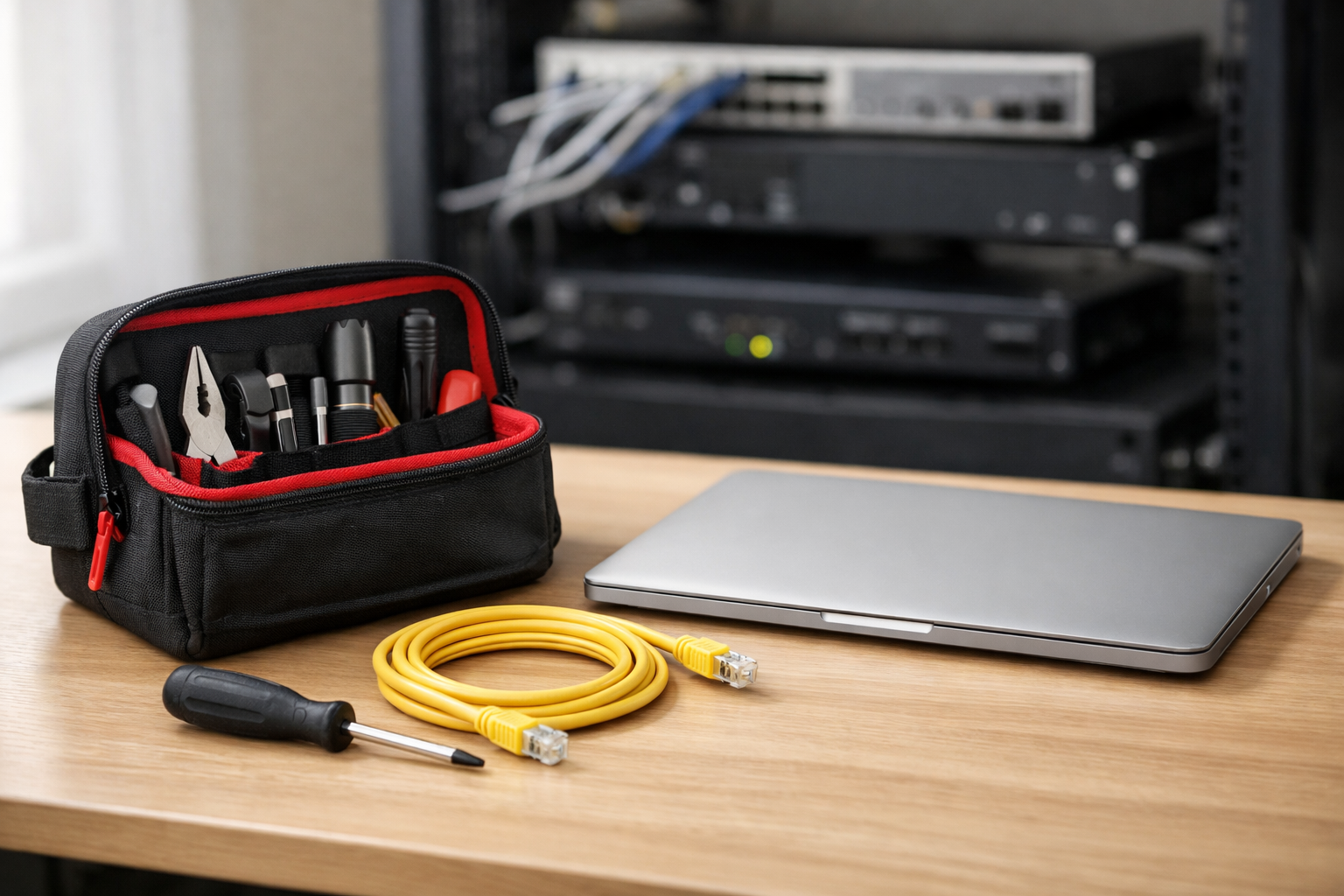
Choosing onsite IT support is a business-continuity decision: downtime can interrupt revenue, care delivery, service access, and staff productivity. The right arrangement must cover both routine requests and failures that prevent normal operations. We recommend matching support delivery to the work required, then evaluating cost, coverage, and accountability, with clear responsibility for restoring service when an incident crosses technical or organizational boundaries.
What onsite IT support and remote service actually provide
Onsite IT support provides in-person technical assistance at an organization’s location. Remote IT support resolves suitable issues through secure remote access, phone, chat, and ticketing without a technician traveling to the site.
Both restore service, maintain equipment and systems, assist employees, and reduce recurring disruption. Onsite work includes replacing failed hardware, tracing cabling, installing equipment, configuring wireless access points, and hands-on training. Remote work includes account assistance, software troubleshooting, configuration changes, monitoring, and routine maintenance.
Delivery method is separate from employment arrangement. An external provider, scheduled technician, or dedicated employee can provide onsite assistance. Broader ongoing technology management can combine either method with preventive work and service oversight.
Complex software incidents and urgent events do not automatically require a visit. Physical-access requirements and available remote connectivity determine which response can advance the repair.
Choose the support model using four operational drivers
No model is universally faster, less expensive, or more effective. We evaluate task fit, accessibility, urgency, and incident patterns together.
Physical access determines which work can be completed
Physical repairs, cabling, installations, and inaccessible equipment favor onsite support. Accessible software, account, and configuration issues favor remote service. Direct observation adds context, but travel and employee coordination can delay work.
Workforce location determines service reach
A single equipment-heavy workplace presents different demands from dispersed employees and multiple branches. Remote service extends reach without routine travel, provided connectivity, approved tools, and the affected device remain available. Extended-hours coverage must be contracted, not assumed.
Downtime tolerance determines escalation urgency
We rank incidents by affected services, user count, operational interruption, and available workarounds. Staffing, triage, and contractual commitments determine response capacity. Acknowledgment speed does not establish restoration speed.
Incident patterns determine the best combination
We recommend remote-first triage for suitable incidents, backed by prearranged onsite escalation. For Palm Desert and Coachella Valley businesses, our help desk and remote support operates during standard business hours, with monitoring running around the clock. Extended or after-hours support must be scoped separately. Recurring physical work supports scheduled visits. Dedicated coverage belongs where sustained demand or operational requirements justify reserved capacity, rather than where occasional urgency merely makes permanent staffing appear attractive.
Estimate total support cost before comparing contracts
There is no defensible universal charge for IT support. Compare scope, minimums, location, coverage hours, and actual workload rather than headline hourly rates. The following figures are hypothetical budgeting examples, not market quotations.
Calculate the full monthly cost of dispatched visits
Monthly onsite cost = billable visit labor + travel + after-hours premiums + parts + applicable recurring fees.
Billable labor = visits × max(actual hours per visit, per-visit minimum) × hourly rate.
Four visits, each taking 1.5 hours but carrying a two-hour minimum, cost 4 × 2 × $150 = $1,200. Travel adds 4 × $50 = $200. Two hours of after-hours surcharges at $75 add $150, and parts add $200.
The total is $1,750, excluding a separate remote plan, taxes, or additional fees.
A monthly spending floor may replace a lower calculated charge. Included allowances should offset eligible work, not be counted again as additional charges.
Compare scheduled and dedicated coverage on equivalent scope
Scheduled coverage might cost eight hours × $120, plus $100 travel, $150 after-hours premiums, and $200 parts: $1,410. That purchases more planned time than the dispatched example, but does not necessarily replace emergency dispatch.
Dedicated coverage at 160 hours × $90 costs $14,400 before extras. It purchases substantially different capacity and should not be compared with occasional visits on price alone.
Apply remote-plan fees consistently across arrangements. Include internal coordination time and downtime exposure in the business case. A return-on-investment estimate needs organization-specific costs and measured operational improvements.
Put response, arrival, and restoration commitments in writing
A service-level agreement should separate acknowledgment, arrival, and restoration before describing provider promises. Those milestones represent different outcomes.
Define exactly when each service clock starts
Consider a hypothetical agreement covering Monday through Friday, 8 a.m. to 5 p.m., excluding stated holidays. A qualifying critical incident logged through the designated channel at 9 a.m. requires acknowledgment within 15 minutes and onsite arrival within four business hours of that timestamp.
Arrival is due by 1 p.m. A 9:30 a.m. dispatch decision does not reset the deadline.
Acknowledgment confirms receipt and ownership, not diagnosis or repair. A separate eight-business-hour restoration target means returning an agreed minimum service level, potentially through a workaround. A target is not a guaranteed resolution commitment; permanent repair may require additional work.
Specify dependencies, exclusions, and escalation ownership
Written terms should address access delays, approval delays, carrier outages, parts availability, vendor dependencies, geography, and after-hours coverage. Each dependency must either pause a specified commitment or trigger another escalation. Automatic exclusions should never be assumed.
We also require named escalation contacts, status-update intervals, service reporting, and any contractual remedies. Without those details, an apparent response commitment can leave operational responsibility unresolved.
Follow a network outage from remote triage to documented restoration
This illustrative scenario follows an office that loses internet connectivity and access to cloud applications. It is not a customer case study.
Triage the incident and prepare the site
Record affected locations, start time, symptoms, business impact, recent changes, and available workarounds. Check carrier status and monitoring through an alternate connection. Normal remote-access tools may be unreachable because the failed connection carries that access.
Before dispatch, confirm building entry, escorts, equipment-room access, parking, an onsite contact, and an alternate communication channel. Gather diagrams, equipment records, serial numbers, warranties, and spending-approval contacts. Identify approved backup connectivity rather than assuming it exists.
Diagnose the fault and authorize the repair
The onsite technician checks power, cabling, carrier equipment, and network devices.
Responsibilities remain explicit: the onsite provider performs physical diagnosis and approved remedial work; internal IT or the designated service owner coordinates the incident and approves changes. The carrier handles circuit testing and carrier-managed equipment. The hardware vendor determines warranty eligibility and authorizes replacement.
One incident owner coordinates these handoffs. Parts purchases and disruptive changes require approval before work proceeds.
Restore service, validate operations, and record the work
Validate connectivity and affected business applications with an authorized contact. Record configuration changes, replacement assets, outstanding risks, and warranty actions in the ticket.
Temporary restoration is not permanent repair. A backup connection may restore application access while leaving capacity or resilience reduced. Document that limitation and schedule the remaining repair.
Control technician access before, during, and after every visit
Physical presence does not automatically make support more secure. Both delivery models require controlled access and accountable changes.
Approve the technician and limit access before arrival
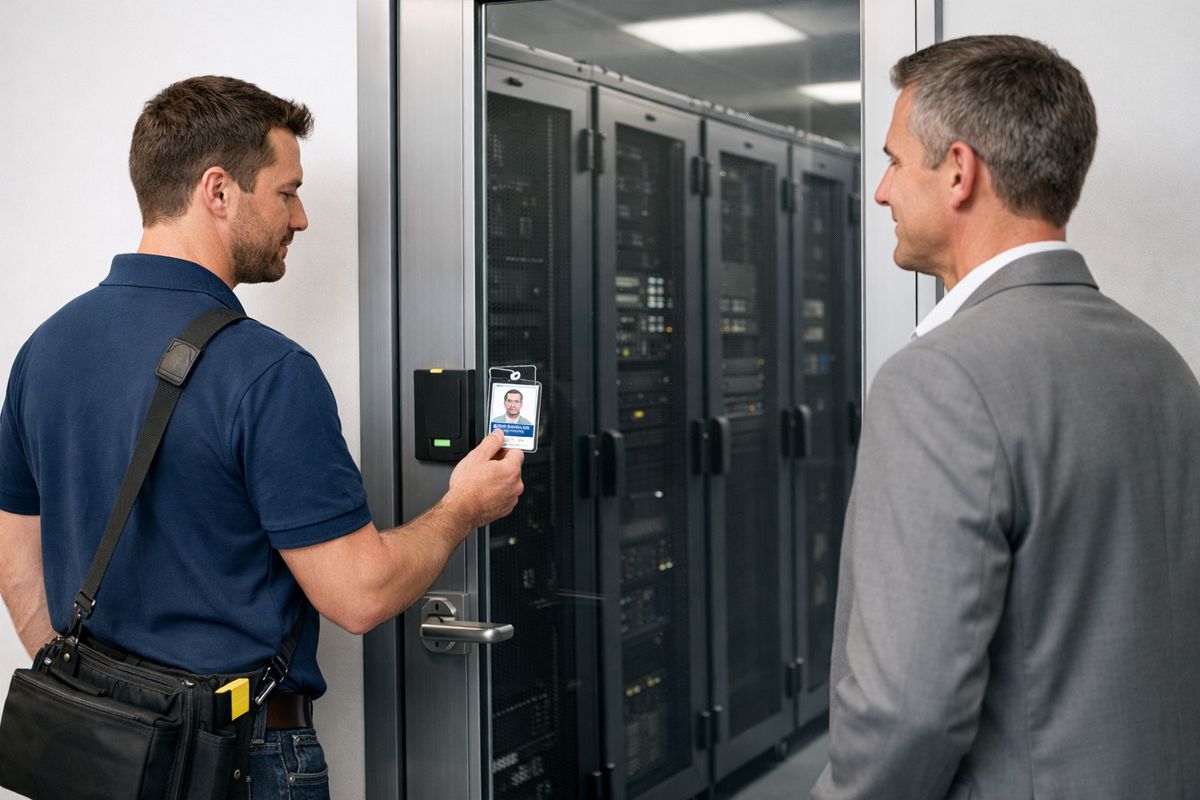
Verify identity, employer, work order, authorized scope, and arrival window. Obtain site and system-owner approvals before granting access.
Create named, time-limited accounts with minimum necessary permissions and multifactor authentication where supported. Avoid shared administrator credentials. Healthcare and senior-care arrangements also need rules for protected information, restricted areas, and applicable contractual obligations.
Supervise the work and revoke access afterward
Provide required escorts, log privileged activity, and approve material changes. Restrict sensitive-information copying to approved methods and locations. Staff preparation should include recognizing and reporting suspicious access requests.
At sign-off, revoke temporary accounts, remote permissions, badges, keys, and vendor sessions no longer needed for the approved work. Confirm completion in the ticket and retain appropriate audit records.
We apply equivalent identity, authorization, and session-control standards to remote technicians. Neither onsite presence nor remote tooling guarantees compliance; access controls must remain enforceable throughout the engagement, including subcontracted work.
Set different coverage levels for different locations
Identical visit schedules can waste budget at low-demand sites while leaving important locations undercovered. We recommend assigning coverage according to operational impact and physical workload.
Tier locations by operational impact and physical workload
Build a site matrix covering operating hours, users, critical devices, connectivity, physical incident frequency, travel time, local contacts, and downtime tolerance.
Assign each tier a remote coverage window, scheduled visit frequency, onsite escalation commitment, and approved spare-parts arrangement. Weekly, monthly, and needs-based visits are planning examples, not universal standards.
Centralized asset management should track device age, warranties, configurations, and available spares. Schedule proactive maintenance around operations, including equipment checks, patch coordination, backup verification, and planned replacements.
Adapt the coverage plan to operating conditions
Healthcare and senior care require attention to extended hours, sensitive information, care disruption, and specialist-equipment vendor boundaries.
Construction and trades must account for changing jobsites, temporary connectivity, rugged equipment, travel, and access restrictions. Planning support around active jobsites makes those constraints part of dispatch arrangements.
Nonprofits should prioritize mission-critical services and predictable spending without assuming low technical complexity. Small and midsize businesses need coverage that addresses limited internal IT capacity, employee locations, and a clear external escalation owner.
Approved local partners and stocked spares can support distant sites, but only where coverage, responsibilities, and contractual commitments have been verified.
Validate the support plan against actual incidents
We recommend reviewing the previous 90 days of tickets, extending the period where seasonal activity makes that sample incomplete. Classify incidents by remote suitability, physical intervention, location, severity, recurrence, and downtime.
Compare providers against those patterns, documented technical capability, security procedures, sample reporting, transparent pricing, and escalation ownership. During an initial 90-day review, measure restoration time, first-contact resolution, repeat incidents, travel and service costs, downtime, and user satisfaction. Any claimed implementation result should identify its ticket count or cohort, measurement period, and verified outcome.
We recommend remote triage for suitable incidents, backed by contracted onsite escalation. Scheduled or dedicated onsite coverage belongs where measured physical workload and downtime exposure justify the cost.
To discuss a managed IT support plan aligned with operational needs and budget, Contact Us.

