

A help desk typically focuses on resolving employees' day-to-day IT problems. A service desk often coordinates a broader range of IT services, including requests, approvals, and planned changes. In practice, those responsibilities overlap. The name alone does not tell you how well a provider will support your business.
For business owners in Palm Desert and the Coachella Valley, the useful question is what happens when someone needs help. Who answers? Can they resolve the issue remotely? Who approves access to company files? What happens when an urgent problem occurs outside normal support hours?
This help desk vs. service desk comparison explains the usual distinction and what to check before choosing a provider.
What is the difference between a help desk and a service desk?
A help desk provides day-to-day IT assistance
A help desk gives employees a place to report problems and request technical assistance. That might mean restoring email access, troubleshooting a printer, resolving a software error, or helping someone connect to the office network.
The technician records the request, investigates it, and works toward a resolution. If another specialist or software vendor needs to help, the request should have a clear owner through that handoff.
A help desk can also use documented procedures, automation, access approvals, and a knowledge base. Calling a team a help desk does not mean it only fixes things after they break or ignores recurring problems.
A service desk coordinates support and broader IT services
A service desk also handles everyday problems, but the term often describes a wider coordination role. It may organize equipment requests, employee access, planned system changes, and other services through defined processes.
This is associated with IT service management, or ITSM: the practices used to plan, deliver, support, and improve IT services. A service desk is a point of contact within that work; it does not necessarily perform every ITSM activity itself.
The distinction is a common convention, not a universal standard for naming businesses. An overview of service desks and help desks describes the difference as partly semantic. Providers may use either name for similar capabilities, so ask what the service actually includes.
Help desk vs. service desk at a glance
These are typical emphases, not features that one type of team is prohibited from offering.
| Question | Help desk: typical emphasis | Service desk: typical emphasis |
|---|---|---|
| What is the main focus? | Helping employees resolve IT issues | Coordinating IT support and a broader set of services |
| What work reaches the team? | Troubleshooting and everyday assistance | Incidents, service requests, access requests, and coordination of changes |
| How are requests handled? | Tickets with triage, troubleshooting, and escalation | Tickets plus defined request and approval processes |
The overlap is important. A well-run help desk may provide the same access controls and reporting that another provider advertises under a service desk label.
What the difference looks like at work
The following examples are hypothetical. They illustrate questions to ask a provider, not claims about particular clients or guaranteed outcomes.
An employee cannot access email
An employee arrives at work and cannot sign in to their mailbox. Either a help desk or a service desk should be able to receive the request and investigate.
The technician may need to distinguish an account problem from a device, network, or service outage. If the same issue keeps returning, ask whether the provider investigates the cause and documents what changed. A team closing tickets quickly is useful only if employees can actually get back to work.
A new employee needs equipment and access
A manager hires an employee who needs a laptop, email, access to shared files, and a business application. The work includes more than troubleshooting: someone must identify the requirements, approve permissions, and coordinate setup before the start date.
A provider may handle this through a help desk checklist or a service desk request workflow. Either can work. Ask who supplies the employee's role information, who approves access, and how the provider confirms the setup is complete. Software licenses and equipment purchases may need separate approval.
An employee leaves the company
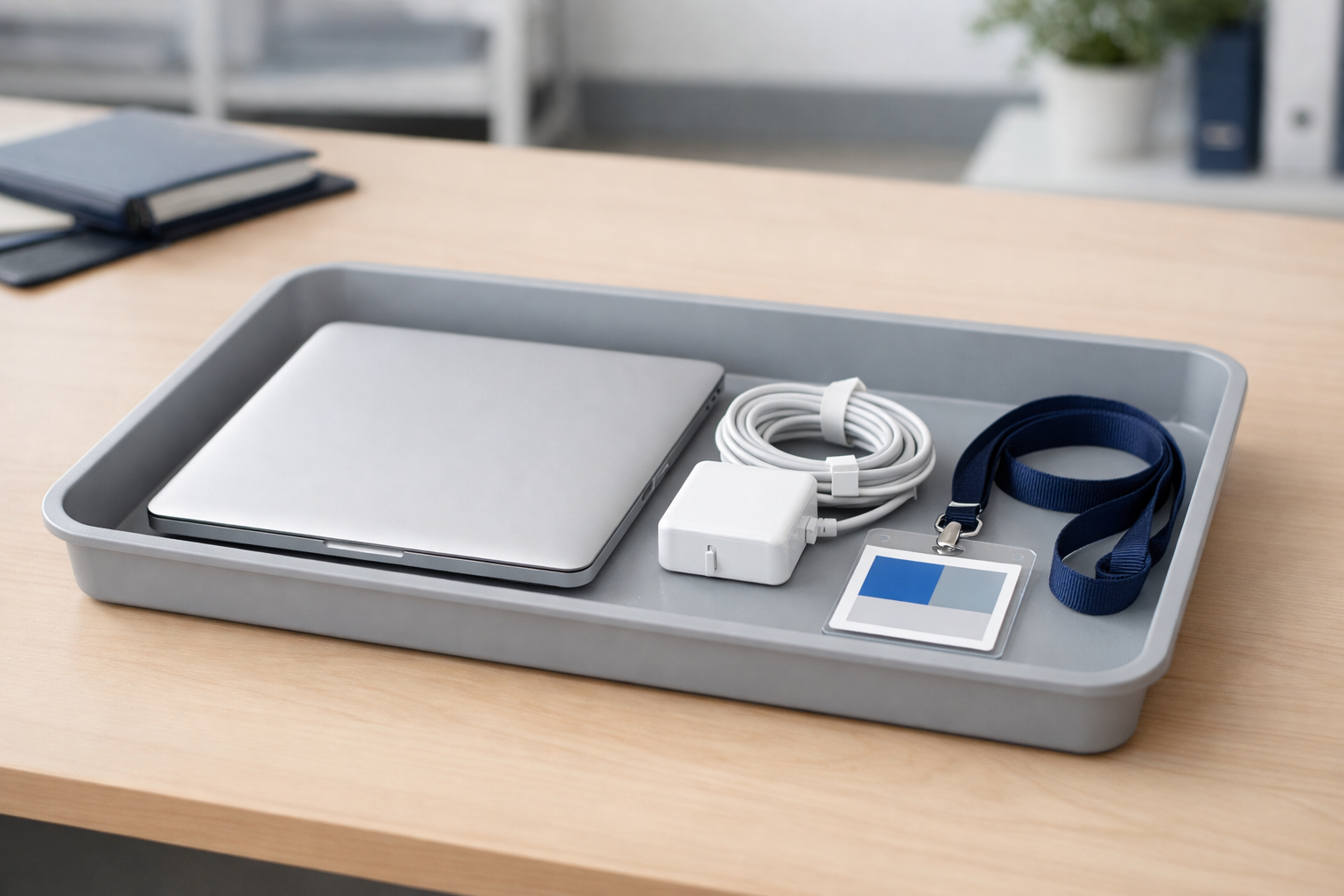
Offboarding should follow an agreed process for removing access and handling company equipment and data. That includes identifying the accounts involved, coordinating the timing with the employer, and recording what was completed.
Before a device is wiped or reassigned, the business needs a decision about preserving required files, transferring ownership, and meeting any applicable retention requirements. Returning a laptop alone does not remove access to email or cloud applications.
These controls belong in the support arrangement regardless of what the provider calls its desk. Ask how it handles accounts outside the systems it normally manages and how it reports anything that still needs the employer's attention.
Check support hours separately from monitoring
A help desk or service desk can operate during business hours, around the clock, or under another agreed schedule. Neither label establishes availability.
Monitoring and live support are different services. Monitoring can detect a problem overnight; that does not automatically mean a technician is available to answer every employee request at that time.
At Lazer IT Consultants, standard help desk support runs during business hours, while monitoring runs 24/7/365. Extended and after-hours coverage arrangements depend on the operation and should be discussed when defining the service. Our Help Desk & Remote Support page explains the current offering.
Ask any provider to distinguish its response target from its resolution target. A service-level agreement, or SLA, sets out agreed service commitments. Check which issues those commitments cover, how priorities are assigned, and what happens when a fix depends on another vendor.
Match the process to the work your business needs
Start with the requests your team actually makes. Are most calls about email, devices, and application problems? Do managers regularly need new-user setups, permission changes, equipment purchases, or coordinated changes across several locations?
If your main need is accessible technical help, concentrate on how employees reach the support team, how requests are tracked, and who handles escalation. Avoid paying for processes your staff will not use simply because they sound more advanced.
If requests involve several approvals or systems, look for a documented way to coordinate them. A business with frequent personnel changes may need a repeatable onboarding process even if its headcount is small. A larger business may already have internal procedures and need an outside provider to follow them.
Useful records include unresolved requests, repeated incidents, and confirmation that agreed access changes were completed. Ask to see a sample report and have the provider explain what it helps you decide. Ticket counts alone do not show whether a recurring problem has been addressed.
Tools can help with routing requests and documenting work, but software features are not a substitute for clear responsibility. Establish who reviews exceptions, who approves sensitive changes, and who communicates with your staff when work is delayed.
Compare pricing against the same scope
There is no dependable price difference based solely on the words help desk and service desk. Quotes can cover different users, devices, applications, hours, and levels of responsibility.
When comparing proposals, check whether routine support, onsite visits, onboarding, offboarding, and after-hours work are included or billed separately. Ask about setup charges, software licensing, project work, and support for applications supplied by another vendor.
Also compare what your staff must do. A lower quote may require your office manager to coordinate vendors or maintain account records. Another proposal may include that work. Neither arrangement is automatically wrong, but the difference should be visible before you sign.
Questions to ask an IT support provider
Use specific situations from your business when discussing a proposal:
- How can employees request help, and who owns a request until it is resolved?
- Which devices, applications, locations, and users are covered?
- How do you investigate problems that keep returning?
- Who approves new access, and how are employee departures handled?
- What can you resolve remotely, and how is onsite work arranged?
- Which hours include live assistance, and what is the after-hours escalation process?
- What reports and documentation will we receive?
- What work costs extra, and who must approve it?
Get the answers reflected in the agreement. If a provider describes an important capability in a sales conversation, ask how that responsibility is documented and delivered.
Choosing IT support in Palm Desert
The best fit depends on the work you need covered and the provider's ability to carry it out. A help desk can offer organized, documented support; a service desk can still fall short if ownership and scope are unclear.
For businesses in Palm Desert and the surrounding Coachella Valley, compare the provider's remote support, local onsite arrangements, employee access procedures, and coverage hours. Keep the discussion grounded in the systems your team uses and the problems that interrupt its work.
If you want to review those needs with Lazer IT Consultants, contact us to discuss your business's IT support. We can talk through your current setup and the scope of help you are looking for.

