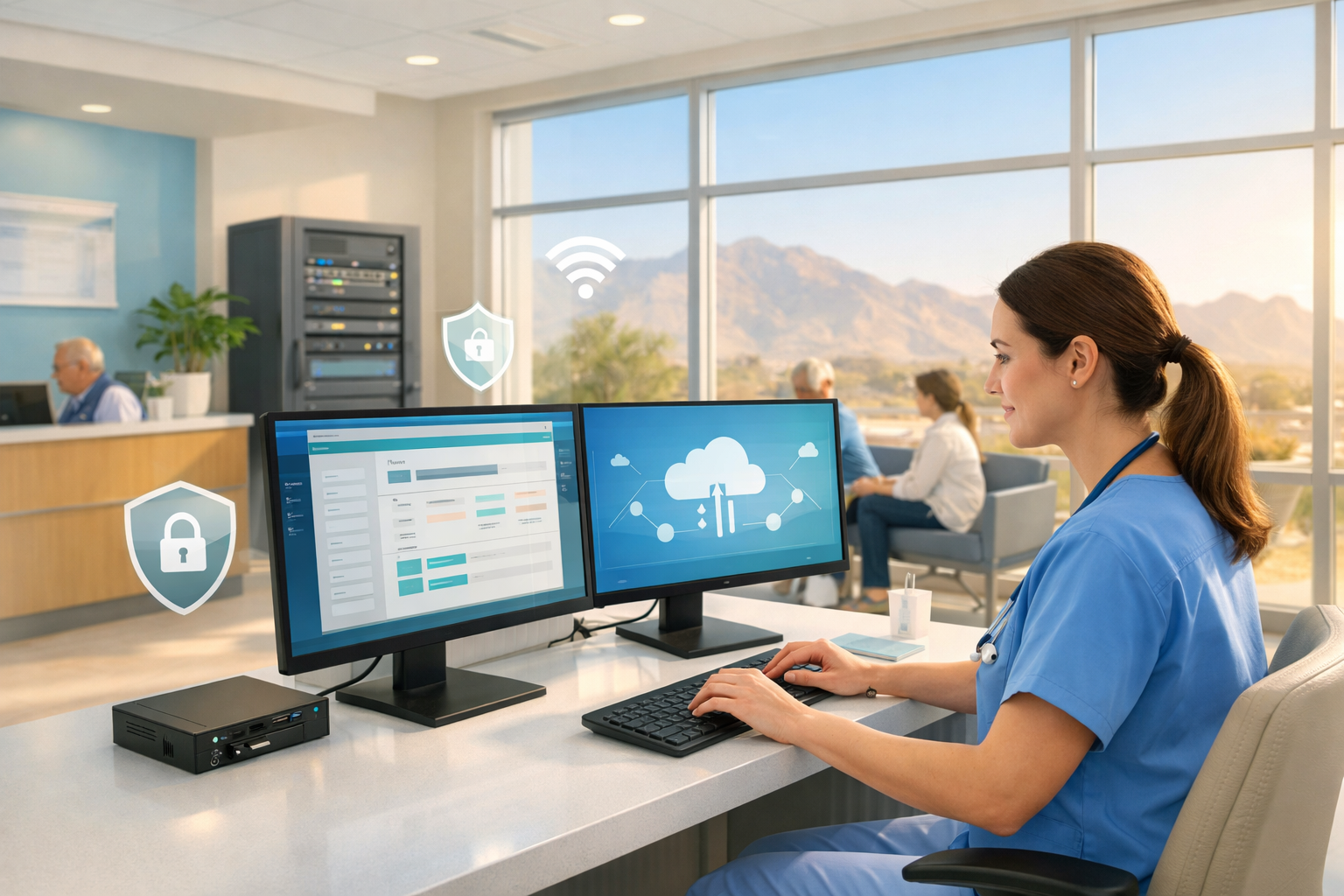
 When your front desk is juggling phones, check-ins, and a full schedule, one frozen screen can throw off the entire day. That is why healthcare IT services matter so much. In plain English, healthcare IT services are the support, security, systems, and planning that keep your clinic, senior care site, or care office working without putting patient care on hold.
Here’s what you’ll learn in this guide:
- What healthcare IT services include
- Why healthcare settings need specialized support
- Which core services keep clinics running
- The most common IT problems in care environments
- What good support looks like in Palm Desert
- How to choose the right provider
- Where to start if your systems feel messy
Healthcare IT services that actually support patient care
Healthcare technology is not just about computers. It is about access. If a provider cannot open a chart, if a scanner stops feeding insurance cards, or if the phones cut out during a packed morning, care slows down fast.
That is the difference between general tech support and healthcare-focused support. In a retail store, a printer problem is annoying. In a clinic, the same problem can delay intake, prescriptions, referrals, and billing in one shot.
What counts as healthcare IT services
Healthcare IT services usually cover the full stack of day-to-day technology support. That includes help desk support when somebody gets locked out or an app stops working, device management for desktops, laptops, tablets, and exam-room hardware, and network support for internet, Wi-Fi, and firewalls.
It also includes cybersecurity, cloud tools, backups, compliance help, vendor coordination, and long-term planning. Think of it like building maintenance for your digital office. You need somebody to fix what breaks, prevent avoidable problems, and keep everything working together instead of becoming a pile of disconnected tools.
Why healthcare settings need a different kind of IT support
Healthcare settings depend on speed, privacy, and uptime in a way most businesses do not. Patient information has to stay protected. Staff need fast access to records. Systems have to keep moving even when the schedule is packed and nobody has time for a 40-minute troubleshooting call.
Generic IT support is not enough when patient care is on the line. If your support team does not understand HIPAA, exam-room workflows, secure remote access, or how an EHR issue affects the entire office, you end up explaining your environment while the problem gets worse.
The core services that keep palm desert clinics running
The best IT support does not feel flashy. It feels steady. Things log in, sync, print, scan, connect, and recover when needed. That sounds basic, but honestly, basic is exactly what your clinic needs from technology most of the time.
Managed IT support for day-to-day stability
Managed IT support is the layer that keeps small issues from becoming Monday-morning disasters. It usually includes monitoring systems in the background, installing updates, patching security flaws, troubleshooting errors, and handling routine hardware problems before somebody at the front desk notices.
It also gives your staff a clear place to go for help. Instead of asking around, rebooting three times, and hoping the problem goes away, your team gets support for login issues, printer failures, slow machines, broken peripherals, and software glitches. That saves time, but more than that, it reduces friction all day long.
Network, wi-fi, and device support across the office
A clinic runs like a relay race. One dropped handoff slows everybody down.
Your router, firewall, office Wi-Fi, secure guest Wi-Fi, exam-room devices, front-desk workstations, printers, scanners, and tablets all depend on each other. If the network stutters, the problem shows up everywhere at once. Suddenly, check-in drags, phones sound choppy, cloud apps lag, and staff start creating workarounds.
Good support keeps those handoffs clean. It makes sure the network is stable, coverage reaches the rooms that need it, devices stay connected, and security settings do not leave open doors.
Cloud services, backups, and disaster recovery
Cloud services give your team secure access to files and apps without tying everything to one server in one closet. That can make remote work, multi-site support, and vendor-hosted systems much easier.
Backups and disaster recovery sound similar, but they are not the same thing. A backup is a saved copy of your data. Disaster recovery is the plan for getting systems back up after something goes wrong, whether that is ransomware, hardware failure, or a power event. One saves the information. The other gets your operation moving again.
Cybersecurity and HIPAA-focused protection
Healthcare data is a constant target, and the HHS Office for Civil Rights tracks breach reports involving protected health information. That makes cybersecurity part of patient care, not a side project.
Good protection usually includes endpoint security on devices, email filtering, multi-factor authentication, role-based access controls, encryption, regular risk checks, staff training, and a plan for incident response. HIPAA compliance, meaning following the rules that protect patient data and keep operations accountable, should shape all of it. The goal is simple: keep sensitive information safe without making your staff miserable.
The biggest IT problems clinics run into
Most clinic technology problems are not dramatic. They are repetitive. A slow login here, a dropped connection there, a scanner that only works after the second restart. Those little issues add up until your staff spends half the day working around the system instead of using it.
Aging systems, slow software, and too many workarounds
Old computers and unsupported software tend to create a whole ecosystem of workarounds. Staff keep paper notes because charting lags. Somebody uses a personal hotspot when Wi-Fi is unstable. Billing gets delayed because one machine still handles a legacy task nobody wants to touch.
The catch is that workarounds feel efficient in the moment but expensive over time. They waste minutes at check-in, slow down claims, create security gaps, and make training harder for new hires.
Compliance pressure and rising security risks
If you do not have dedicated IT support, compliance can feel like trying to assemble furniture without the instructions. You know it matters, but the steps are not always obvious.
HIPAA sets the floor for protecting patient information, and the Security Rule focuses on administrative, physical, and technical safeguards. At the same time, phishing, account takeovers, and ransomware keep getting more common. So you end up balancing secure records, daily operations, and a growing list of risks, often without enough internal time to manage all three well.
Too many vendors and no clear owner
This one drains more time than most clinics expect. Your internet provider says the issue is not the line. Your EHR vendor says the app is fine. Your phone vendor blames the network. Your copier company insists the scanner is healthy. Meanwhile, your staff is still stuck.
Having one accountable IT partner changes that dynamic. Instead of acting like the referee between vendors, you get one place to start, one group coordinating the issue, and a much better shot at fixing the real problem faster.
Growth, staffing gaps, and multi-site complexity
Technology gets harder the minute your organization grows. Add a provider, open a second office, support remote access, or take on a new location, and every small inconsistency becomes more obvious.
Senior care organizations feel this especially hard because multiple sites can magnify everything from password issues to device tracking to internet outages. If your systems are already held together with habit and goodwill, expansion exposes every weak spot.
What good healthcare IT support looks like in palm desert
Good support is not just technical. It fits how your day actually works.
Fast response when the waiting room is full
When delays hit at 10:15 on a busy weekday near El Paseo, you do not need a ticket acknowledgment. You need triage, remote support that starts quickly, and on-site help when the issue cannot be fixed from a distance.
Fast response means somebody understands what is urgent in a care setting. A password reset for one user is one thing. A network issue affecting check-in, chart access, and phones is something else entirely.
Support that works with your healthcare software vendors
Your IT support should work smoothly with your EHR, practice management, billing, imaging, and phone vendors. Not politely. Effectively.
That means taking ownership, collecting the right details, getting everybody on the same page, and pushing the issue forward until it is fixed. Good support acts like the person in the group project who actually keeps things moving.
Security help that fits real workflows
Security that blocks care is not good security. The trick is protecting access without turning every login into a daily ordeal.
That usually means role-based permissions, secure remote access, device controls, and staff training that respects how busy your team is. Multi-factor authentication is widely recommended by CISA, but it has to be set up in a way your staff can live with. Otherwise, people find shortcuts, and shortcuts create risk.
How to choose the right healthcare IT services provider
A provider can sound polished and still be a bad fit. What matters is whether your support model matches healthcare operations in the real world.
Questions to ask before you sign anything
Ask direct questions. How much healthcare experience is on the team? What are normal response times? Is after-hours support included? How often are backups tested? What cybersecurity tools are standard? Will somebody coordinate with your vendors? What does onboarding look like? Is local on-site support available in Palm Desert, or is everything remote?
The right provider should answer clearly. Vague promises usually stay vague after the contract starts.
Signs a provider understands healthcare operations
Healthcare experience is not a nice extra. It is the baseline.
You want support that understands front-desk pressure, exam-room downtime, protected health information, compliance expectations, and the fact that uptime matters differently in care settings. If somebody talks only about generic business support, that is a warning sign.
When bundled support makes more sense than juggling vendors
Bundled support often makes more sense when your environment already includes managed IT, cybersecurity, cloud apps, compliance needs, and multiple outside vendors. Keeping those under one roof reduces confusion and sharpens accountability.
Instead of guessing who owns the problem, you get a clearer line between issue and fix. For busy clinics and care organizations, that simplicity is worth a lot.
A practical first step for your clinic or care organization
You do not need a giant overhaul to improve your technology situation. Most of the time, one honest review will show you where the daily drag really lives.
Start with a quick technology check
Look at the systems that slow your team down most often. Review recurring support tickets, device age, backup status, security basics, vendor sprawl, and any compliance gaps that keep getting postponed.
This does not need to be fancy. The point is to spot what is costing your staff time every single day, especially the issues everybody has quietly accepted as normal.
Prioritize the fixes that remove friction first
Start with the problems your staff feels most. Unstable Wi-Fi, login headaches, outdated devices, unreliable backups, and unclear support paths create more daily frustration than big-picture strategy decks ever solve.
Pick one recurring tech pain point and fix that first. Once that friction is gone, the rest gets easier to see, easier to prioritize, and much easier to trust.

